Paint color from a photo

Point. Tap.
Match.

Photograph any painted surface, tap the exact spot, and tintsnap gives you the color — with the mixing recipe to make it yourself.

The free version is ad-supported. Works in your browser, installs to your phone — Android APK available.

  recipe match
SampledYour mix will look like this

No install needed — runs in the browser Adds to home screen as an app Lighting correction built in Honest matching — see the mix before you make it
How it works

Three moves, one color.
A hand raising a phone toward a terracotta painted wall in warm side light

Shoot

Photograph the wall, furniture, or swatch in even light. Tap "Fix lighting" on anything white in the frame and tintsnap neutralizes the camera's color cast.
A fingertip pressing a wet navy paint card, a ring of light around the touch point

Tap

Press the exact spot — a magnifier follows your finger, pixel by pixel. Release, and the color is read from a noise-averaged sample, not a single pixel.
A palette knife pulling white and blue paint together into a soft sky blue

Mix

Get the hex, RGB, HSL and CMYK — plus a recipe in whole parts of real pigments, with a preview of what your mix will actually look like next to the target.
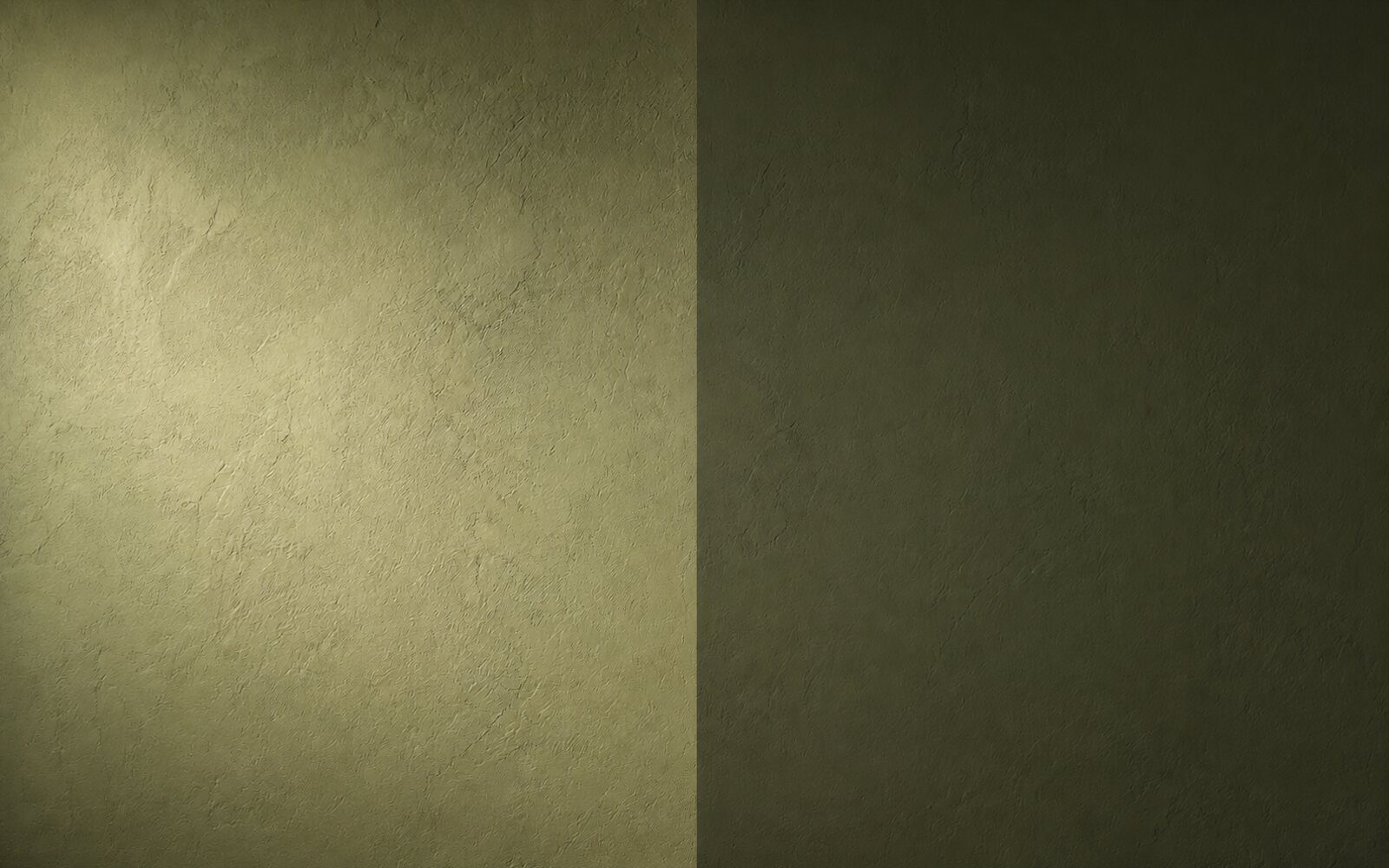
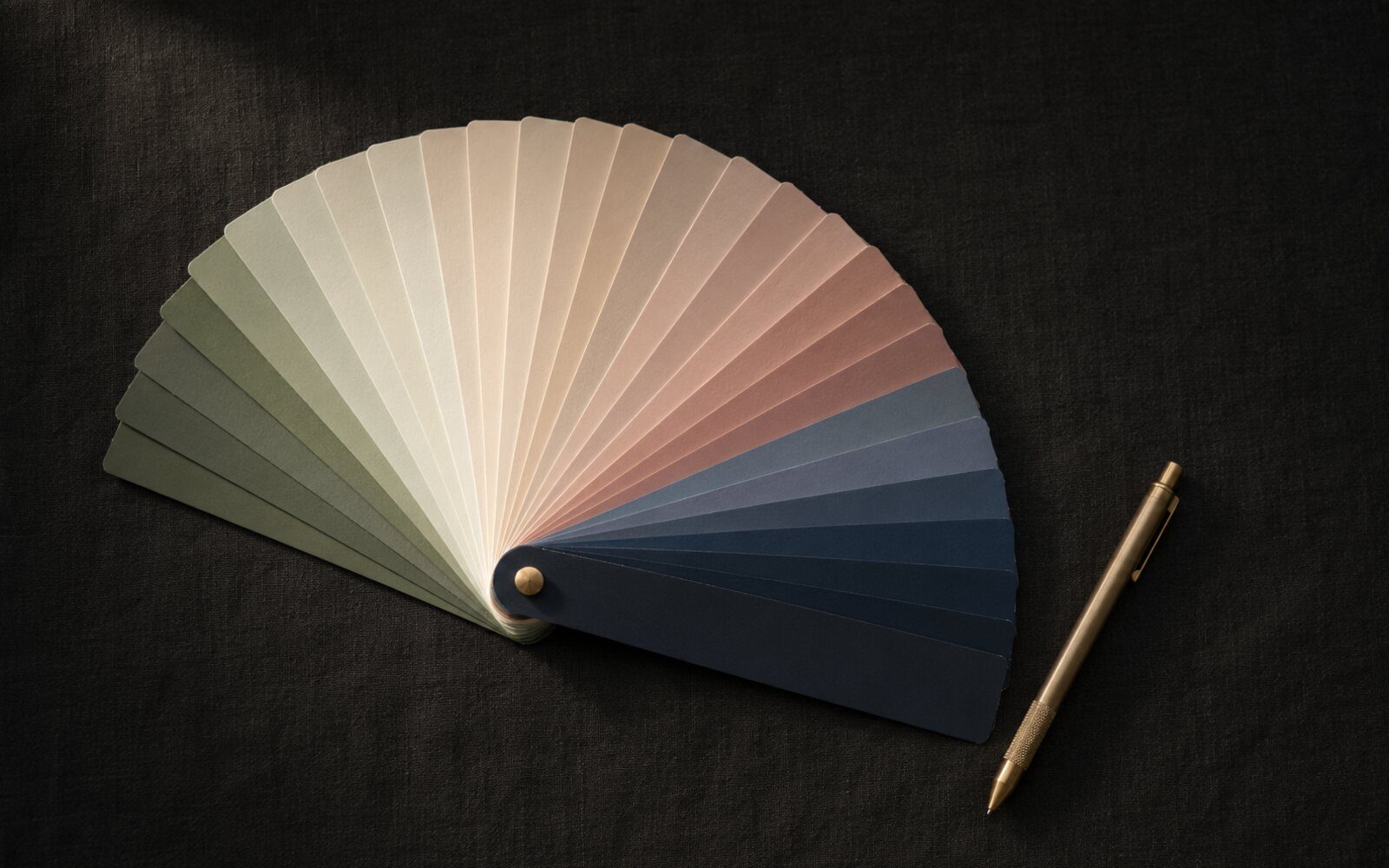
AI Pro

The camera lies.
The AI catches it.

The same sage green wall, washed out by glare on the left and showing its true color on the right
One wall, one paint — two lies of light. The AI reads through both.

Phone cameras shift colors with every bulb and shadow. AI Pro sends the actual photo region to an AI engine that reads the surface itself.

Photo-aware correction — detects glare, shadow gradients and color cast, then returns the true dry-swatch color.
Undertone & finish — know if that gray leans green and whether the wall is matte or eggshell.
Commercial references — closest colors from ranges like Jotun, Benjamin Moore and Sherwin-Williams.
Pro tinting tips — per-color advice for getting the hand-mix right the first time.
No ads — anywhere in the app.
Pricing

Free to use. Pro to master.

Free

$0
forever · ad-supported
  • Unlimited color sampling
  • Magnifier & lighting fix
  • HEX · RGB · HSL · CMYK
  • Mixing recipes with preview
  • Session palette
  • ·Small text ads on phones
Open the app

AI Pro

$29.99/ year
12-month license · renew manually, nothing auto-charges
  • Everything in Free, without the ads
  • AI photo analysis — glare, shadow & cast corrected
  • Undertone & finish detection
  • Commercial paint references
  • Pro tinting tips
  • Works on all your devices with one key

Secure checkout by PayPal · license key issued instantly

Your Pro key

Saved on this device. Open the app — Pro is already active. Keep the key for your other devices.

Open the app
A hand holding a phone showing a solid sage green screen in a dim paint studio
Get the app

Carry it in your pocket.

tintsnap lives at a URL, not an app store queue. Three ways in, all the same app:

01In the browser — open it and start sampling. Nothing to install.
02On your home screen — open it on your phone, choose "Add to Home Screen," and it installs like a native app, camera and all.
03Android APK — a signed package for direct install, same build.
Questions

Straight answers.

How accurate is it?

As accurate as the photo. In even daylight with the lighting fix applied, samples are typically within a just-noticeable difference of the real paint. The app never bluffs: the split swatch shows exactly what the recipe will produce, with a match percentage — and AI Pro corrects for glare, shadow and color cast that fool the pixel reading.

Is the $29.99 an auto-renewing subscription?

No. It's a 12-month license. When it ends, the app simply returns to the free tier until you choose to renew. Nothing charges you automatically.

What are the ads like?

A single small text banner at the bottom of the screen on phones — no popups, no video, no tracking pixels. AI Pro removes it entirely.

Can I install it as an app?

Yes. Open it in your browser and use "Add to Home Screen" — it installs and runs like a native app. An Android APK is also available from the link above.

Can I really mix the color myself?

The recipe uses standard artist and tinting pigments in whole parts (for example, 5 parts Titanium White, 2 Cadmium Yellow, 1 Carbon Black). Treat it as a strong starting point: mix small, let it dry — paint dries slightly darker — and nudge with the smallest part.